Jio Gemini

Gemini 18 Months Pro

Claim your eligible Gemini 18 Months Pro offer through your Jio account — three easy ways, in seconds.

1 Option 1 · Python Script Run the automated checker on your computer
1
Check Python 3 is installed
The script requires Python 3. If you don't have it, download it from python.org and run the installer.

Verify by running python3 --version in your terminal. You should see Python 3.x.x.

2
Install the required dependency
Run the command below to install the requests library — the only dependency the script needs.
terminal
pip install requests
3
Run the script
Navigate to the folder containing jio.py and run one of the commands below. If python doesn't work on Windows, use the py launcher instead.
terminal · option A
python jio.py
powershell · option B
py "jio.py"
Right-click inside the folder and choose Open in Terminal
Right-click inside the jio.py folder → Open in Terminal.
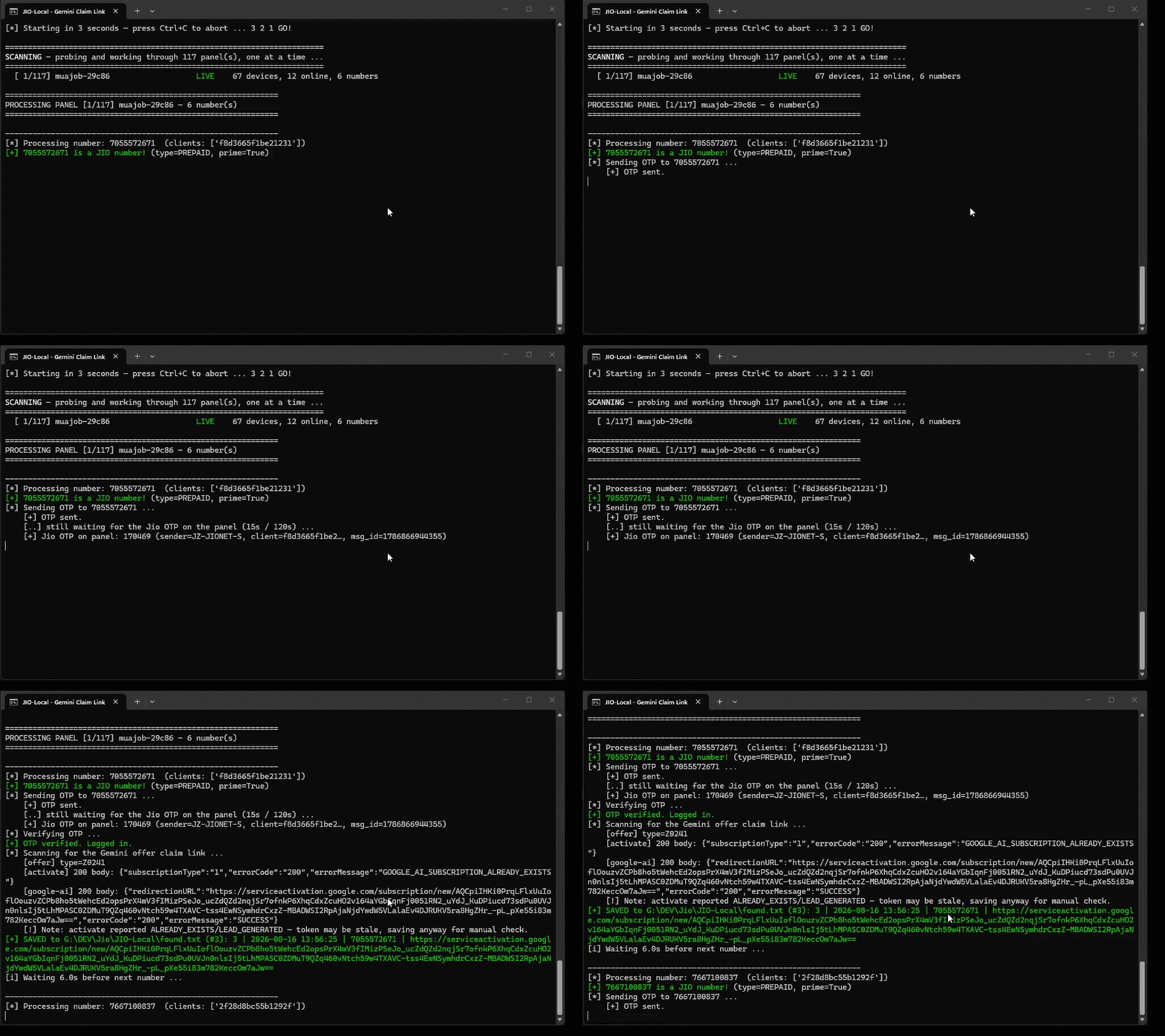
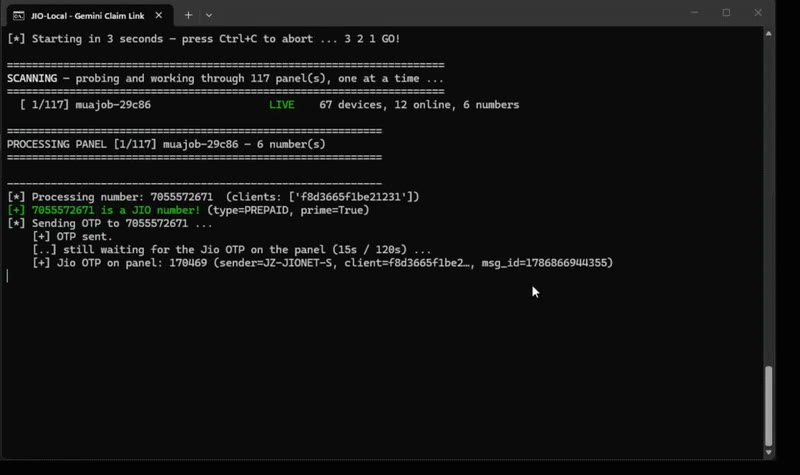
Run the script with py jio.py
Type py "jio.py" (or python jio.py) and press Enter.
4
Enter your Jio mobile number
When prompted, type in your registered Jio mobile number and press Enter.
Enter your Jio mobile number when the script prompts
At "Enter your Jio mobile number", type the 10-digit number and press Enter.
5
Enter the OTP
A one-time password will be sent to your Jio number. Enter it when prompted to authenticate securely.

Your credentials are used locally only — the script logs into your Jio account directly on your machine. Nothing is transmitted to third parties.

6
Script searches for your offer
The script logs in and automatically scans for an eligible Gemini 18 Months Pro claim link on your account.
7
View your result
One of two outcomes will be displayed in your terminal:
Claim link found Your eligible Gemini 18 Months Pro offer link is displayed under DIRECT GEMINI OFFER LINK. Open it in your browser to redeem.
No direct claim link found This appears when the Gemini 18 Months Pro offer was already claimed on this number, the number is ineligible, or Jio requires an additional step. The script will prompt you to try another number.
terminal — example output
============================================================ DIRECT GEMINI OFFER LINK ============================================================ No direct Gemini claim link found. The normal /selfcare/googleai/ landing page was ignored. The number may be ineligible, or Jio may require another official step. ============================================================ ------------------------------------------------------------ Try another Jio number? [Y/n]:

This output also appears when the Gemini 18 Months Pro offer was already claimed on this number — Jio does not distinguish between "claimed" and "ineligible" in the API response. If you've previously activated Gemini 18 Months Pro on this number, this is expected.

2 Option 2 · Jio Website Claim directly on jio.com — no script needed
1
Log in to the Jio website
Go to jio.com and sign in using a Jio mobile number. You can use your own number, or a panel number from the section below.
2
Enter the OTP
A one-time password is sent to that number. Type it in to complete sign-in.

Using a panel number? Read its OTP live from the panel's SMS tab — see Part 2 below.

3
Open the Gemini 18 Months Pro offer page
While logged in, open the official Jio × Google AI offer page below.
offer link
https://www.jio.com/selfcare/googleai/
Open the offer page
4
Activate Gemini 18 Months Pro on your Google account
If that number has never claimed the offer before, you'll be prompted to activate Gemini 18 Months Pro on your Google account — follow the prompt to redeem.

If the offer was already claimed on that number, no activation prompt will appear — try another number instead.

3 Option 3 · Jio App Claim in the MyJio app — easiest, no script
1
Open the MyJio app & log in
Open the MyJio app on your phone and sign in using a Jio mobile number — your own, or a panel number from Part 2.
2
Enter the OTP
A one-time password is sent to that number. Enter it to sign in. For panel numbers, read the OTP live from the panel's SMS tab in Part 2.
3
Tap the Gemini 18 Months Pro banner
On the home screen you'll see a banner to claim Gemini 18 Months Pro. Tap it and follow the prompts to activate it on your Google account.

No banner showing? The offer was likely already claimed on that number — try another one.

Part 2
📱

How to Get Jio Numbers & OTP

To run the checker you need an eligible Jio number and its live OTP. These community "number panels" list active Jio numbers and stream incoming OTPs in real time — pick a number, request the OTP, and use it to log in.

How number panels work

1
Open a panelClick any panel below. It loads a live list of Jio numbers connected to that server.
2
Copy a Jio numberEnter a listed number into the login / checker. Choose one that looks active.
3
Get the OTPThe OTP for that number appears live on the panel. Copy it back to complete login.
Open a device on the panel and copy its Jio phone number
Open a device, check Info for the Jio phone number, then enter it in the script.
Open the SMS tab and read the incoming Jio OTP
Open the SMS tab — the incoming Jio OTP appears live (e.g. #255679). Copy it back to log in.
Number Panels
62 live panels
Jpicku
annabellepanel.netlify.app
Muajob
annabellepanel.netlify.app
Mukesh
annabellepanel.netlify.app
Totla Panel
annabellepanel.netlify.app
Admin Panel Client
annebellapanel.netlify.app
Panel 1
zxkaiz.vercel.app
Panel 2
zxkaiz.vercel.app
Panel 3
zxkaiz.vercel.app
Panel 4
zxkaiz.vercel.app
Panel 5
zxkaiz.vercel.app
Panel 6
zxkaiz.vercel.app
Panel 7
zxkaiz.vercel.app
Panel 8
zxkaiz.vercel.app
Vdgsh
firexpanel.com
Joks
firexpanel.com
Suman
firexpanel.com
Money
firexpanel.com
Gopi
firexpanel.com
Sala
firexpanel.com
Lalit
firexpanel.com
Afroar
firexpanel.com
Rahul
firexpanel.com
Jsisbueve
firexpanel.com
Ritesh0001
badxweb.vercel.app
Mafiaaaa2Oppp
badxweb.vercel.app
Sep12
badxweb.vercel.app
Apkdriod
badxweb.vercel.app
Apkpure
badxweb.vercel.app
Bank E Kyc
badxweb.vercel.app
Tinmm88
badxweb.vercel.app
E9Turnament1
badxweb.vercel.app
Raaz
badxweb.vercel.app
E14Turnament2
badxweb.vercel.app
Bossuun
badxweb.vercel.app
Jsjsjdj
badxweb.vercel.app
Rahul
badxweb.vercel.app
Runjun Master Panel
badxweb.vercel.app
Aaenop
badxweb.vercel.app
Rtomumbai
badxweb.vercel.app
Risho
badxweb.vercel.app
Jpicku
badxweb.vercel.app
Simadevi
badxweb.vercel.app
Rto3
badxweb.vercel.app
Asifpersnolyellow
profexpanel.netlify.app
Yogeshbhaitumchutiya
profexpanel.netlify.app
E14Turnament2
xipher-panel.netlify.app
Totla Panel
xipher-panel.netlify.app
Jpicku
xipher-panel.netlify.app
Panel123628
profexpanel.netlify.app
Gsjjshdbs
profexpanel.netlify.app
Jayma
profexpanel.netlify.app
Apkpure
profexpanel.netlify.app
Anvith6
profexpanel.netlify.app
Newspreding
profexpanel.netlify.app
Konaiio
profexpanel.netlify.app
Panel 99
panel99.42web.io
PD Loot Panel
pdloot.site
Free OTP Panel (Multi-DB)
free-otp-panel.vercel.app
Falcon Admin
ccut5122-bit.github.io
Alexa Shield
ccut5122-bit.github.io
Shein Codes
play.sheincodes.pro:5000
Legend 99
legend99loot.kesug.com

Telegram Communities

Live number drops, OTP help & deals
Annebella Official Chat
Community
Join
Annebella Deals
Deals & Offers
Join
Annebella Group Chat
Group Chat
Join
AnneBella Numbers
Numbers Channel
Join
100% Working

Please read before you start

The Jio Gemini 18 Months Pro checker script is fully working and verified — when it runs against an eligible, unclaimed Jio number, it reliably returns the direct Gemini 18 Months Pro offer link.

The example panels listed above are used by many people, so their unused Jio numbers often get claimed quickly and can be hard to grab. If none of the listed numbers work to claim the Gemini 18 Months Pro link, contact the panel admins through the Telegram channels above to get new panels with fresh, unused numbers.

These panels are third-party community tools, not operated by Jio or Google. Availability changes often — if one is down, try another. Never enter personal Jio credentials into a panel; use panel numbers only to receive OTPs.